

Take photos while you pack
Use the photo as the starting point instead of opening a blank inventory form.
Take photos as you pack, label each container, and find anything later from your iPhone, iPad, or Mac.
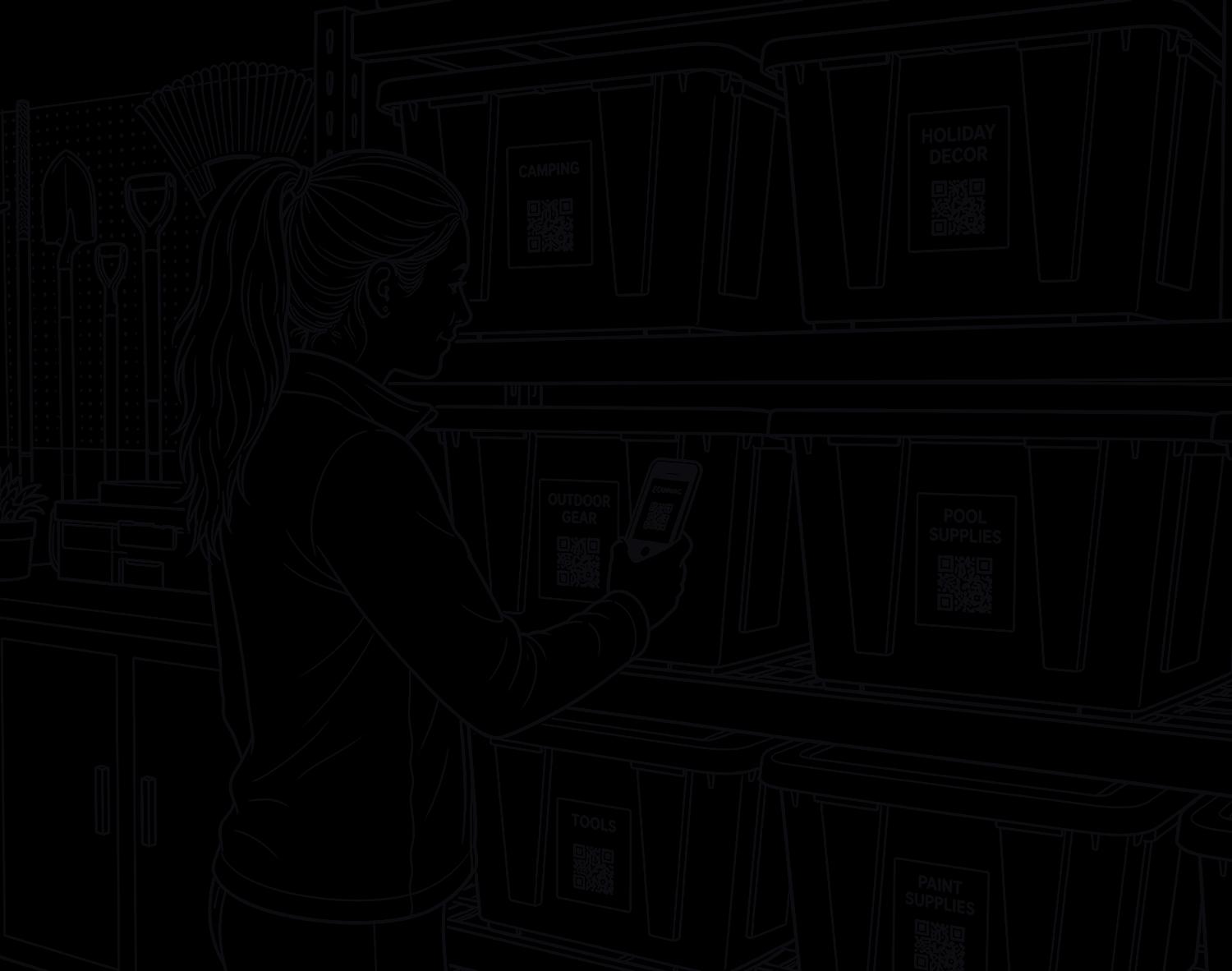
How it works
Take a photo, confirm the details, print a readable label, and find what you packed away without opening everything first.
Use the photo as the starting point instead of opening a blank inventory form.
Review item names, notes, quantities, and tags while everything is still in front of you.
Print a clean label with the container name, space, code, and QR link.
Search from iPhone, iPad, or Mac and see exactly where the item lives.
Smart cataloging
Take photos while you pack. Unstash suggests item names, tags, notes, and quantities, then you confirm the catalog before it is saved.
Take one photo of the pile or a few close-ups as items go into the container.
Unstash suggests names, tags, notes, and quantities so you can review instead of type.
Photos stay useful later when you need the right charger, lid, part, or document.
Suggested catalog
Quantity 2 - Tech, travel, power
Quantity 1 - Camera kit
Quantity 3 - Cables bin
Item results
Garage > Cables Bin
Matched item name and notesOffice Shelf > Tech Drawer
Matched notesTravel Bag > Camera Kit
Matched tagContainers
GARAGE 004
Contains 12 matching itemsItem-first search
If you search for a charger, Unstash should show the charger first, then tell you exactly where it lives. Container-only search is how things stay lost.
Label studio
Choose a layout, pick the fields, preview the sheet, and print labels that are useful before the phone comes out.
Native on every Apple screen
Fast label lookup, quick capture, and one-handed edits.
Browse spaces visually, review photos, and keep packing lists moving.
Bulk editing, label printing, PDF exports, and inventory cleanup.
Built for the way families actually store things
Unstash is not a warehouse system. It is a searchable memory for the things you put away.
Know which tote has the drill bits, holiday lights, bike pump, or extension cord.
Label boxes as you pack and find the coffee filters before the kitchen is unpacked.
Reuse trip bins for swim gear, medicine, snacks, chargers, games, and rain jackets.
Track camera equipment, craft supplies, golf gear, tools, documents, and parts.
Privacy and ownership
Storage records can reveal what you own, where valuables live, and when your family travels. Unstash is built around local data, QR labels that point to private records, family sharing, and exportable records.
QR codes point to private records. They do not expose your item list, photos, notes, or location details.
Known labels open from local inventory, even without a connection.
Let the people in your home find the same bins, boxes, and gear.
CSV and PDF exports keep your work portable and recoverable.
Simple pricing
Organize the first bins for free, then unlock the full system for the households, hobbies, moves, and trips you want to keep searchable.
Start with the containers that bother you most.
For the home, garage, and trips you want searchable all year.
Founders offerGet lifetime access to the current Plus plan for $29.99 during beta. Limited to the first 500 accounts. Future services with ongoing costs, such as cloud storage, shared household libraries, and advanced capture, may be offered as separate upgrades.
FAQ
No. You can take photos, add quick text or voice notes, and review smart cataloging suggestions. Unstash is designed to reduce typing, not create more of it.
A label points to a private Unstash record. It does not contain your item list, notes, photos, or location details. Your inventory only appears inside an authorized library.
Yes. Known labels open from local data, so scanning a bin should work even when your garage, storage unit, or campground has no signal.
Yes. Unstash treats bins, boxes, totes, bags, drawers, shelves, closets, cabinets, luggage, coolers, folders, and envelopes as first-class containers.
Yes. Unstash is designed around labels that are both scannable and human readable. The Mac app is the best place for batch printing and label cleanup.
Yes. Print labels from Unstash or use QR labels you already have and link them to containers.
Yes. CSV and PDF exports are part of the paid Plus unlock because your inventory should always belong to you.
You can still access your existing inventory and export your data. Paid features such as advanced labels, sync, and future capture tools may require an active plan.
Family sharing is part of the direction for household libraries, so the storage system does not have to live on one person's phone.
Create your first container, print a clean label, and make the things you put away easy to find again.

Made for iPhone, iPad, and Mac.